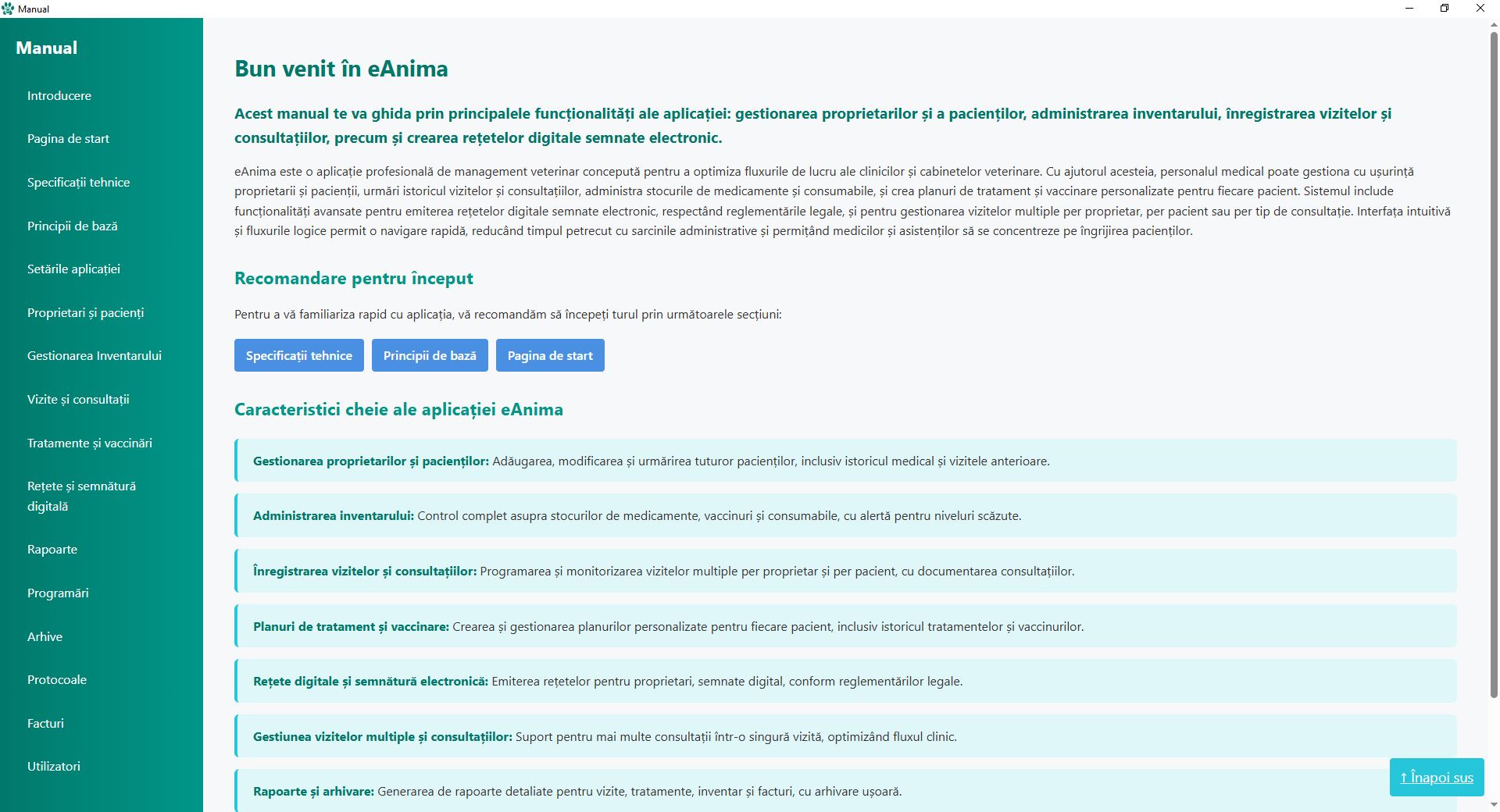
A systematic walkthrough to ensure your clinical workspace is optimized for professional veterinary practice.
Initializing your digital clinical environment.
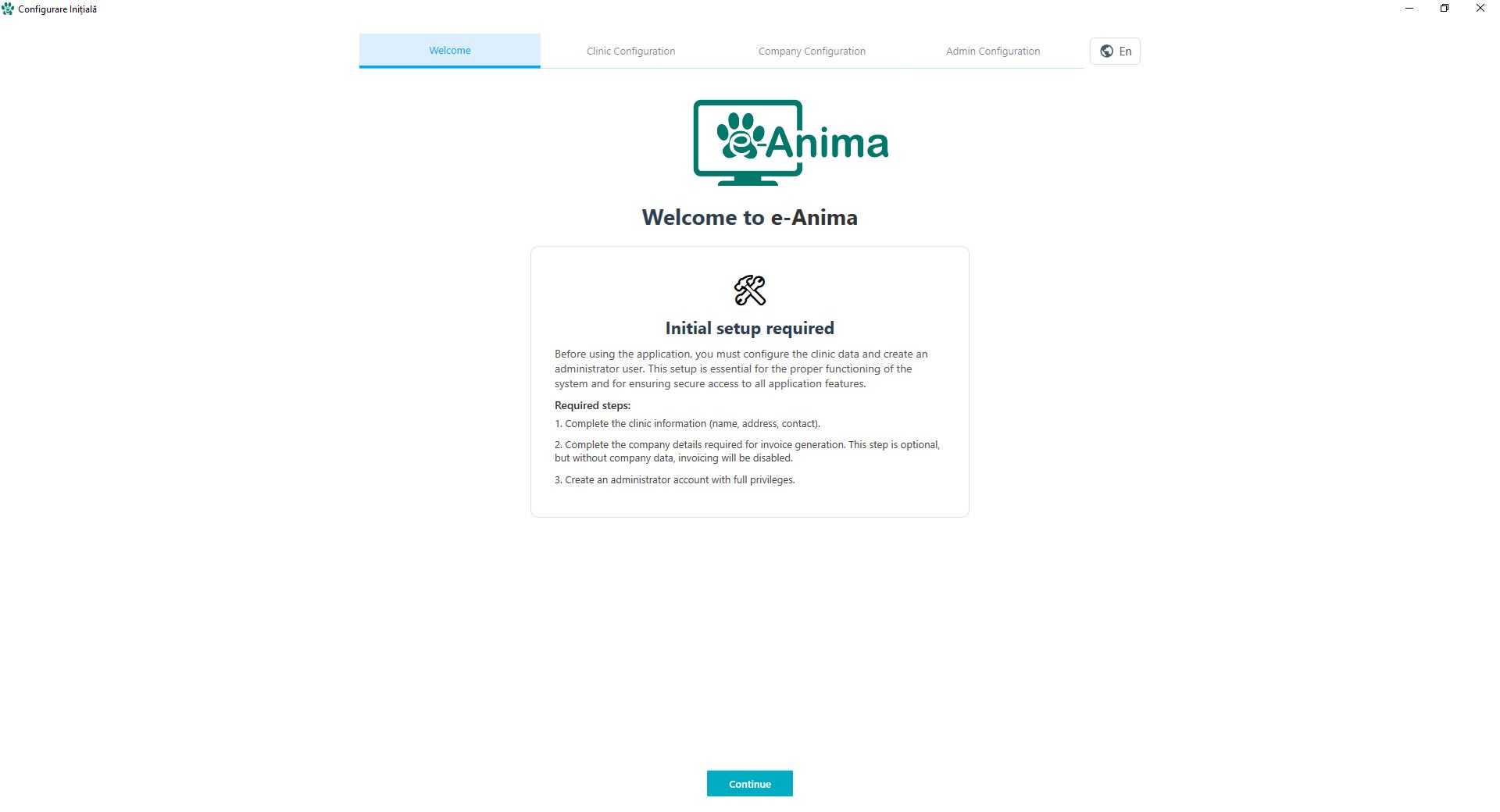
Upon the successful initial execution of e-Anima, the system initializes the local environment and presents the Welcome Interface. This screen confirms that the cryptographic handshake between your workstation and the cloud infrastructure has been completed. It serves as the gateway to your clinical digitization, ensuring that all local dependencies are correctly mapped before you proceed to data entry.
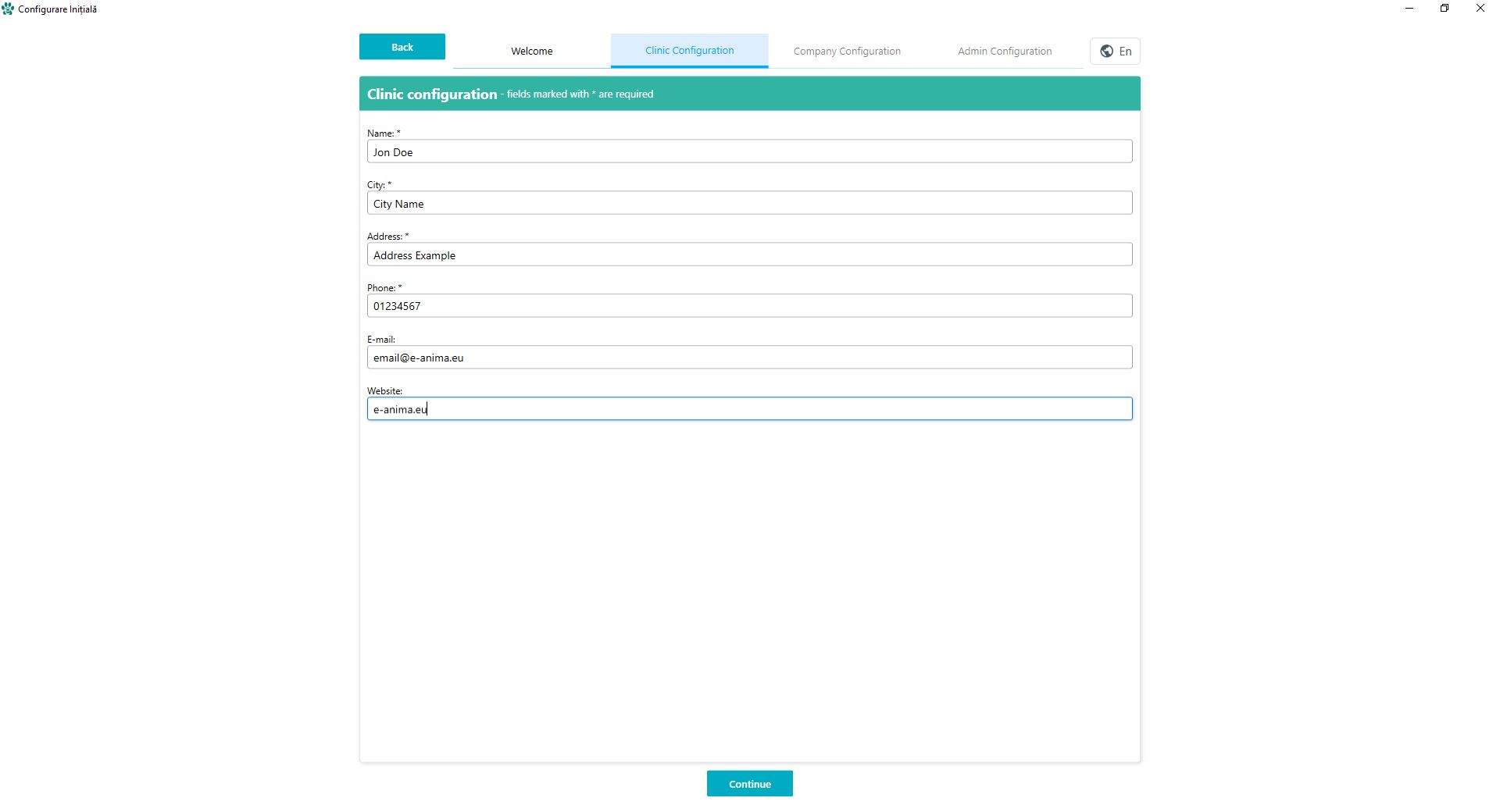
Accurate clinical identification is paramount for professional documentation. In this section, you will input the official name, geographic location, and communication channels of your practice. These details are not merely administrative; they are dynamically injected into your medical certificates, surgical reports, and financial invoices. Ensuring high data accuracy here maintains the professional integrity of all outbound clinical documentation.
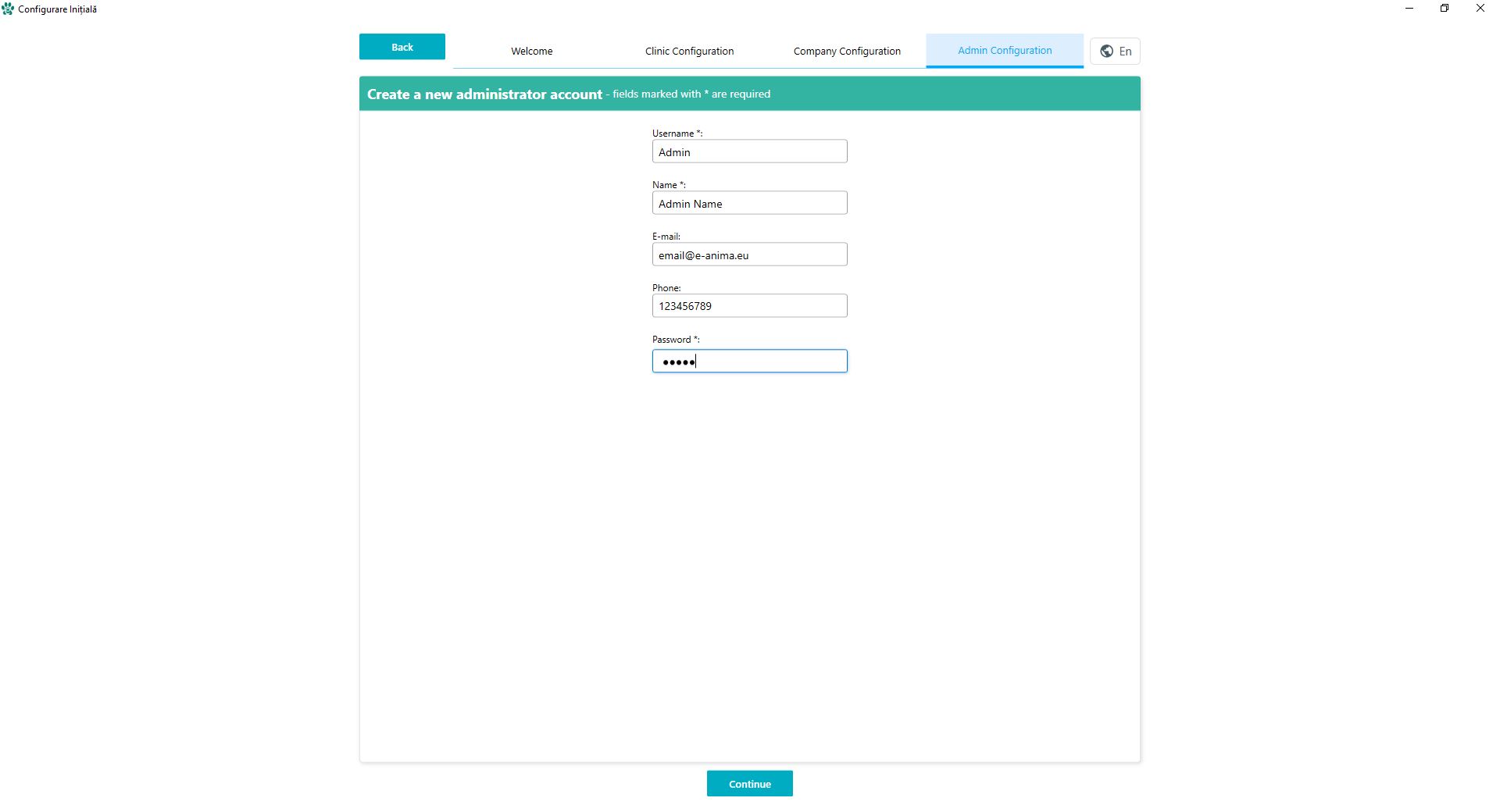
Security hierarchy begins with the Primary Administrator account. This credential set holds the highest level of authorization, granting the ability to manage staff profiles, modify financial settings, and oversee data audit logs. We recommend a robust password policy for this account, as it governs the access control lists (ACL) for all other medical professionals within your clinical ecosystem.
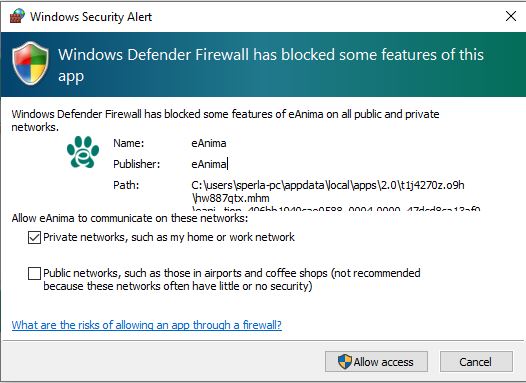
To maintain real-time synchronization of Electronic Medical Records (EMR), your operating system must authorize e-Anima’s network requests. When prompted by your firewall, grant 'Private Network' access. This allows the system to perform secure background synchronization, fetch pharmaceutical database updates, and execute the automated cloud-backup protocols that protect your clinic against local data loss.
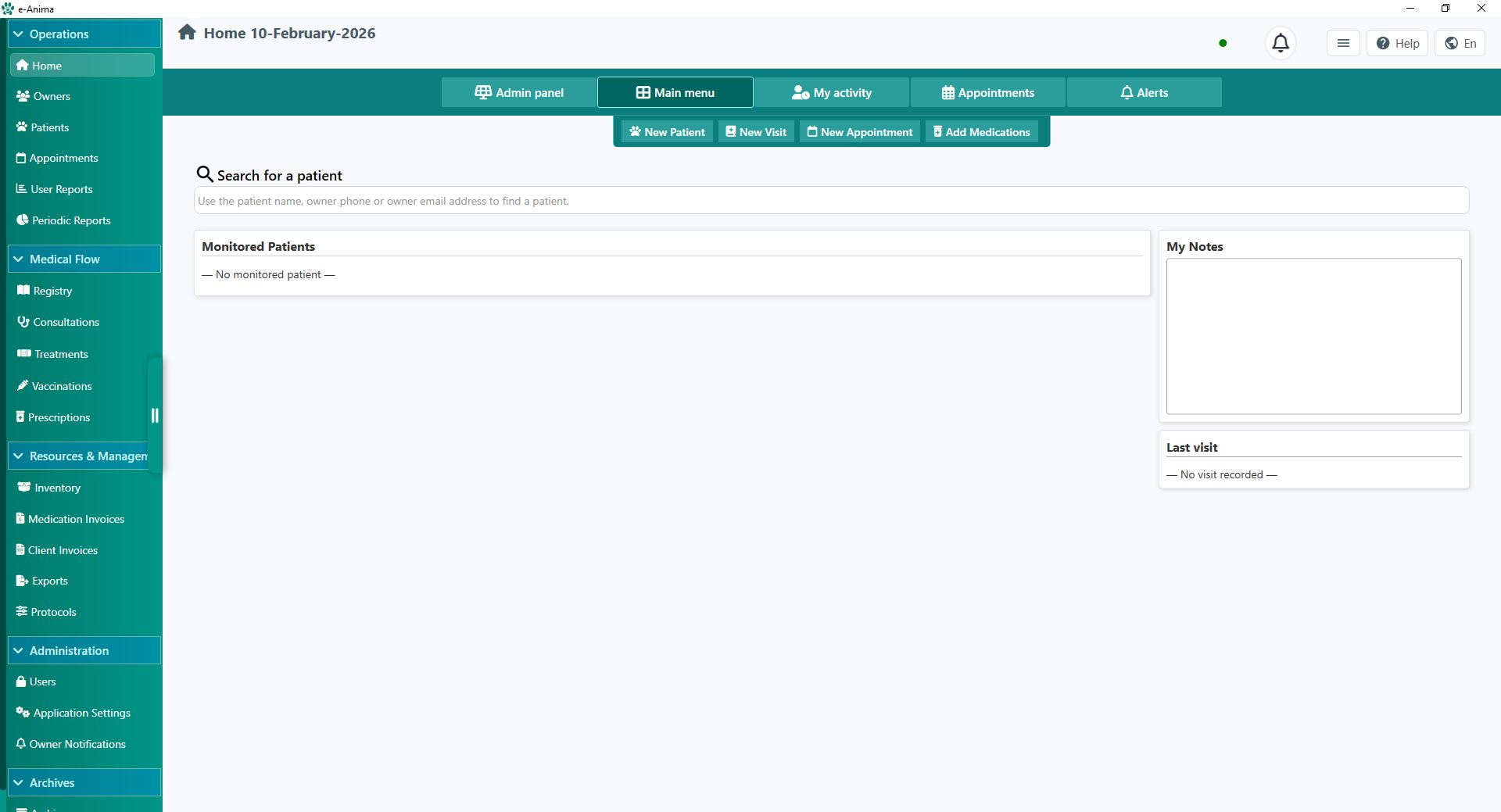
The Dashboard is designed for high-velocity clinical navigation. The left sidebar houses your primary modules, while the header provides real-time status updates on connectivity and active user sessions. The central intelligence bar allows for 'Global Search'—a powerful tool that cross-references patients, owners, and medical histories across your entire database using fragmented search terms.
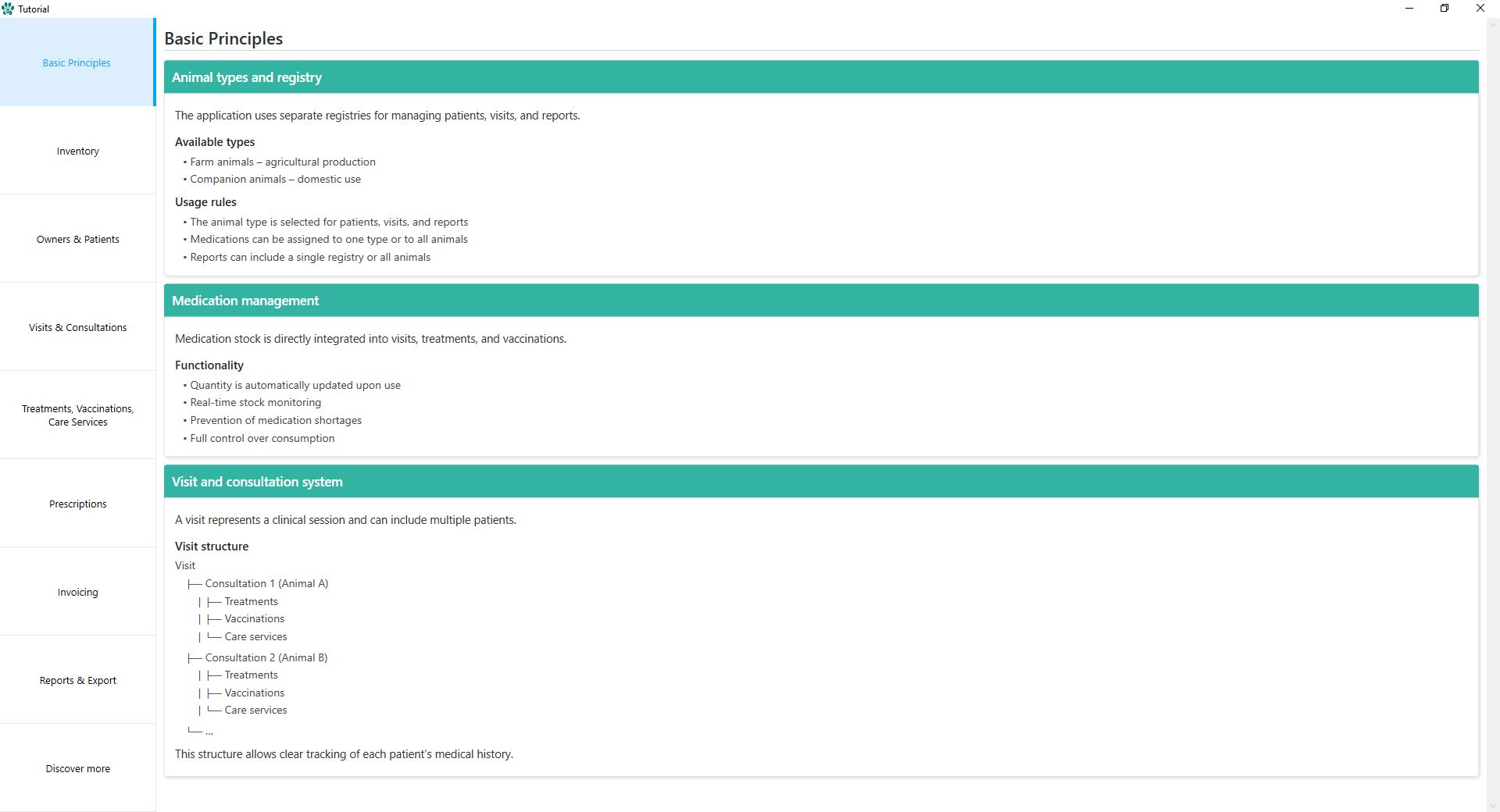
To reduce the learning curve for your staff, we have integrated a high-level orientation module. This walkthrough explains the architectural logic of e-Anima, demonstrating how patient intake flows seamlessly into clinical examination, laboratory ordering, and final billing. Reviewing this orientation ensures that your team utilizes the software’s automation features to their full potential.
For granular details regarding advanced functionalities—such as inventory management, radiology integration, or complex financial reporting—the Technical Manual serves as your primary reference. This living document is updated with every software release, providing exhaustive technical specifications and procedural guides for every feature within the e-Anima suite.